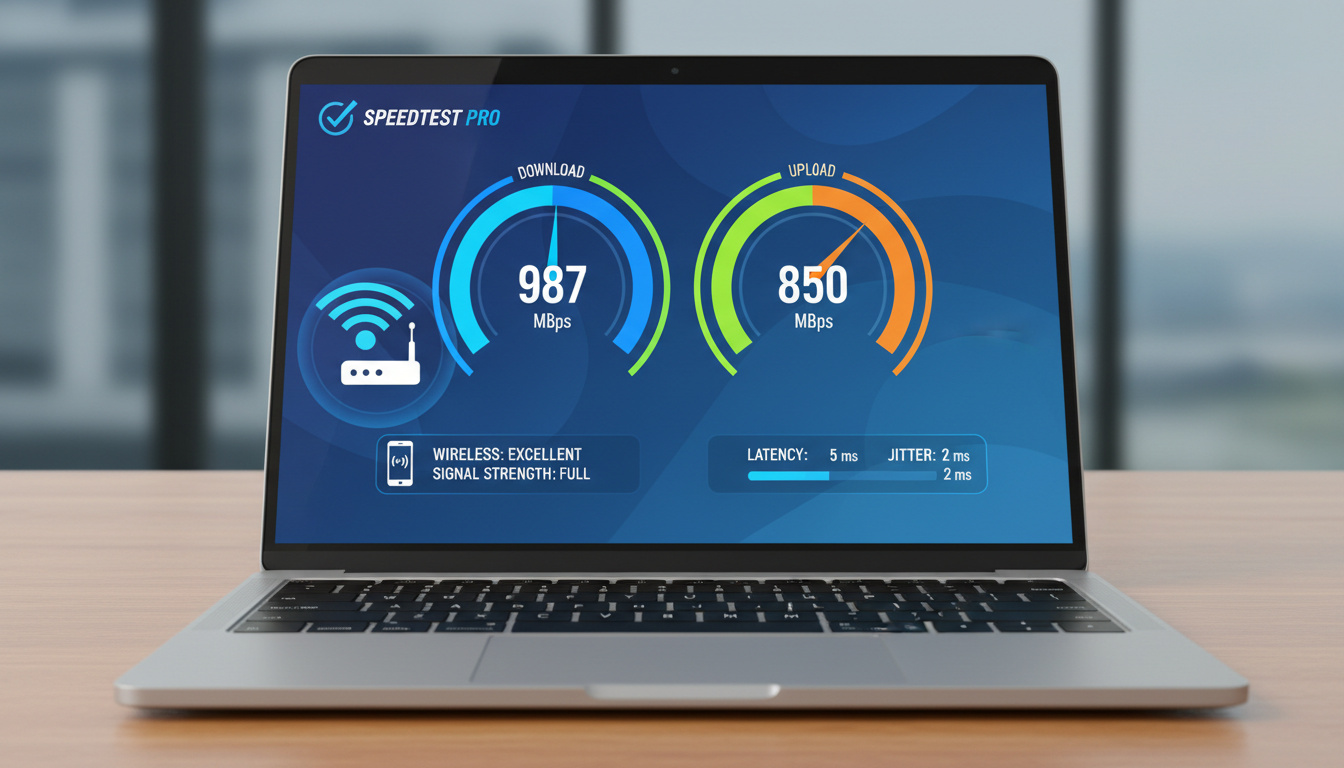
How to Test Internet Speed 2025: Best Free Tools for Accurate Results
Testing internet speed helps verify if your connection matches your ISP plan. Free tools deliver quick results on download, upload, and latency metrics. Accurate tests reveal issues like throttling or WiFi problems.
Devices from phones to routers support web-based or app tests. Multiple runs provide reliable averages, especially during peak hours.
Benchmarks guide expectations: 100 Mbps download suits most homes, per FCC standards.
How Do I Test My Internet Speed?
| Tool | Strength |
|---|---|
| Best overall | Speedtest.net |
| Fastest | Fast.com |
| Most accurate | Google’s M-Lab |
| Mobile-friendly | App downloads |
- No single tool is perfect; use multiple for consensus.
- Ookla balances everyday metrics like ping and speeds.
- M-Lab offers transparency with open-source data.
- Results vary 10-20% due to conditions; cross-verify.
- Close apps and test wired for baselines.
- Avoid ISP tools to prevent bias.
- Track history for trends over time.
| Tool | Main Strengths | Best For | Platforms | Ads/Extras |
|---|---|---|---|---|
| Ookla Speedtest | Global servers, latency/ping, apps | General testing, gaming/streaming | Web, apps (iOS/Android), CLI | Some ads, history tracking |
| Fast.com | One-click, streaming-focused | Quick checks (Netflix users) | Web, mobile-friendly | Ad-free, minimal UI |
| M-Lab | Open-source, ad-free, transparent | Accurate baselines | Web | Research-backed data |
| TestMy.net | Custom tests, graphs, stability | Diagnostics, power users | Web | Detailed stats, no fancy UI |
| Speedof.me | Real-time graphs for fluctuations | WiFi instability | Web (HTML5) | Mobile/desktop friendly |
| Cloudflare | Jitter, routing path | Network engineering | Web | Edge network insights |
| ToDetect | Multi-threaded, cross-border nodes | Business/cross-border | Web | Ad-free, real-time ping |
What Is the Best Internet Speed Test Tool?
Ookla Speedtest leads for global servers and apps across platforms. Fast.com suits quick Netflix checks.
Can I Trust Free Speed Test Websites?
Prioritize ad-light options like M-Lab and Ookla. Consensus from 2+ tools beats one result, as noted by Whoerip.
HTML5 tools like Speedof.me run without plugins on any device.
M-Lab provides open-source baselines; Ookla tracks history reliably.
What Is a Good Internet Speed?
FCC sets 100 Mbps download as minimum for households; 25/3 Mbps covers basics.
What Do Download and Upload Speeds Mean?
Download handles streaming; upload supports calls. Latency under 30 ms aids gaming.
| Use Case | Download (Mbps) | Upload (Mbps) | Latency (ms) |
|---|---|---|---|
| Basic Browsing | 25+ | 3+ | <60 |
| HD Streaming (1-2 devices) | 25-50 | 5+ | <50 |
| 4K Streaming/Gaming (4+ devices) | 100+ | 10-20+ | <30 |
| Professional/Upload-Heavy | 500+ | 50+ | <20 |
Why Are My Speed Test Results Inaccurate or Slow?
Variations stem from server distance and WiFi interference. Peak congestion worsens drops.
How Accurate Are Online Speed Tests?
Fluctuations of 10-20% are normal; verify with tools like BroadbandNow recommendations.
Background apps and browser cache skew results; test idle networks.
Why Is My Internet Speed Slower Than Promised?
ISP throttling hits post-data caps. VPNs halve speeds via encryption.
Speeds drop at peak times; M-Lab detects via open data.
Test wired for baselines, per Whois-myisp.
How to Run an Accurate Speed Test Step-by-Step
- Connect closest to router, preferably wired.
- Close apps and background processes.
- Choose multiple servers; run 3-5 tests.
- Note peak hours for realism.
- Use Ookla app for mobile with Downdetector, via Google Play.
- Switch to 5GHz WiFi if drops occur.
- Track weekly for trends.
Established vs Variable Speed Test Factors
| Established Information | Remains Unclear |
|---|---|
| Wired tests yield stable baselines | Exact WiFi interference per environment |
| Download/upload defined by FCC benchmarks | ISP throttling thresholds vary by plan |
| Ookla/M-Lab metrics consistent across uses | Peak hour impacts by location |
Factors Behind Speed Test Outcomes
Too many devices overload networks. Outdated firmware slows routers.
Microwaves disrupt 2.4GHz bands. Ookla’s Global Index shows regional averages.
Key Sources on Speed Testing
FCC benchmarks: 100 Mbps download minimum for households.
FCC guidelines
Use multiple tools—no single test perfect.
Whoerip analysis
Quick Speed Test Recap
Start with Ookla or Fast.com for baselines. Troubleshoot via restarts and wired tests. For more, see Test Internet Speed – Best Free Tools and Accurate Tips.
Cast Iron Plant – Easy Care for Low Light
How often should I test my internet speed?
Weekly for baselines; daily during issues, 3-5 times at peaks.
What affects my internet speed test results?
Server distance, apps, WiFi interference, congestion; expect 10-20% variance.
How to test internet speed on phone?
Use browser on speedtest.net or Ookla app from stores.
Best for WiFi router testing?
Ethernet direct to router, then nearby WiFi devices.
Fix VPN speed loss?
Test without; try WireGuard protocol.
Check ISP outages?
Ookla app’s Downdetector feature.